Set up your own personal AI assistant from scratch — it works for you 24 hours a day, 7 days a week.
🛡️ 7-day money-back guarantee
Information spread across Discord, GitHub, forums... hours wasted piecing it all together.
Error messages that make no sense and nobody explains how to fix them.
APIs, tokens, permissions, VPS... feels like you need to be an engineer to make it work.
What if there was a direct path, no fluff?
The course that takes you by the hand and gets you from zero to a working bot in under 4 hours. No fluff, straight to the point.
Straight to the point, no unnecessary theory. You learn by doing.
Step-by-step installation for both major operating systems.
WhatsApp, Telegram, and Discord. Your bot wherever you want it.
Your assistant running in the cloud, always available.
Learn to protect your bot before going live.
Daily agenda + News summary working by the end.
 01
01
What is OpenClaw, architecture, choosing your AI model, and basic security.
5 lessons 02
02
Complete setup on Mac and Windows, onboarding, and first contact with your bot.
6 lessons 03
03
Connect Telegram, Discord, and WhatsApp. Customize behavior and create your first skill.
6 lessons 04
04
Get your bot running in the cloud, 24 hours a day, 7 days a week.
4 lessons 05
05
Automations with cron, practical projects, and what to explore next.
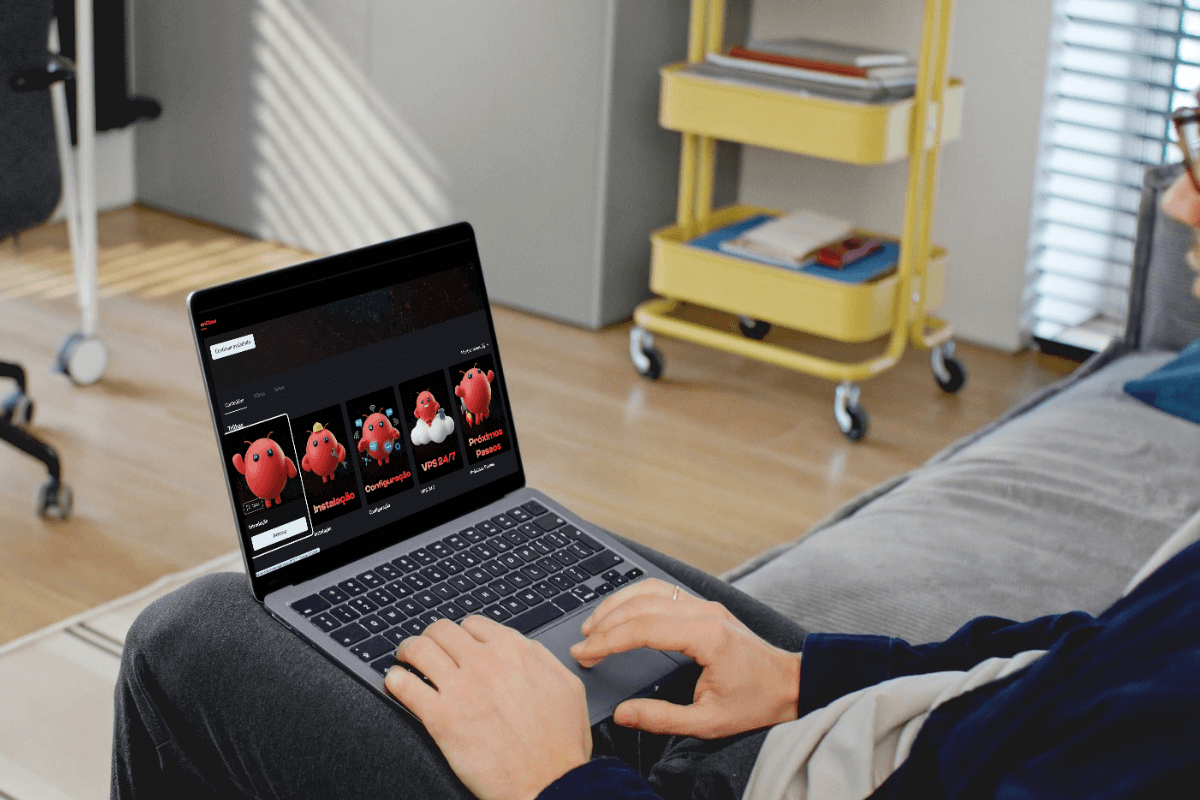
4 lessonsProfessional platform with everything you need to learn at your own pace.
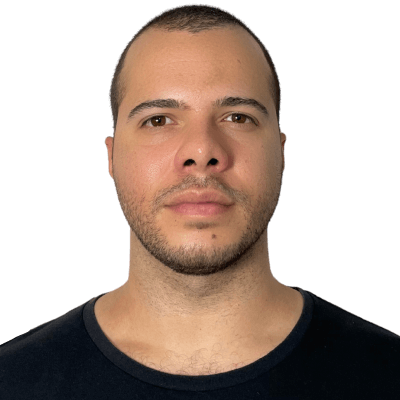
Mechatronics Engineer with a specialization in AI, CEO of TGAI, and automation expert. I use OpenClaw daily to manage my projects and businesses.
I created this course because I saw too many people giving up due to lack of a clear guide. Here you learn exactly what works in practice.
A real assistant that responds on WhatsApp, Telegram, or Discord
Set up in the cloud, available even with your PC turned off
Daily agenda + News summary working in practice
Security best practices implemented from day one
Everything you need to have your personal AI up and running

If you don't like it, we'll refund 100% of your money. No questions asked.
No! The course is made for beginners. You'll learn everything step by step.
If you have Windows or Mac, yes! Linux is not covered in this course.
It depends on usage, but most people spend between $2-10/month. The course teaches you how to optimize costs.
Lifetime access! Buy once, it's yours forever, including updates.
You have access to the exclusive community and the AI Tutor that knows all the course content.
All content is progressively released starting February 3, 2026.
Start today and in just a few hours you'll have your own assistant up and running.